VBotAn AI assistant you chat with on WhatsApp
VBot is an AI assistant you message on WhatsApp. Ask questions, search the web, summarize links and videos, edit photos, track spending from receipts and set daily reminders.
How to start
Three steps. VBot never needs access to your WhatsApp account.
Create your account
Sign up with your email or Google account. Your account holds your plan and credits.

Add your phone number
In Security settings, add your number. To prove the number is yours, you send a one-time code from your phone to VBot at +44 7731 454310. VBot never asks you for a code that WhatsApp sends you.
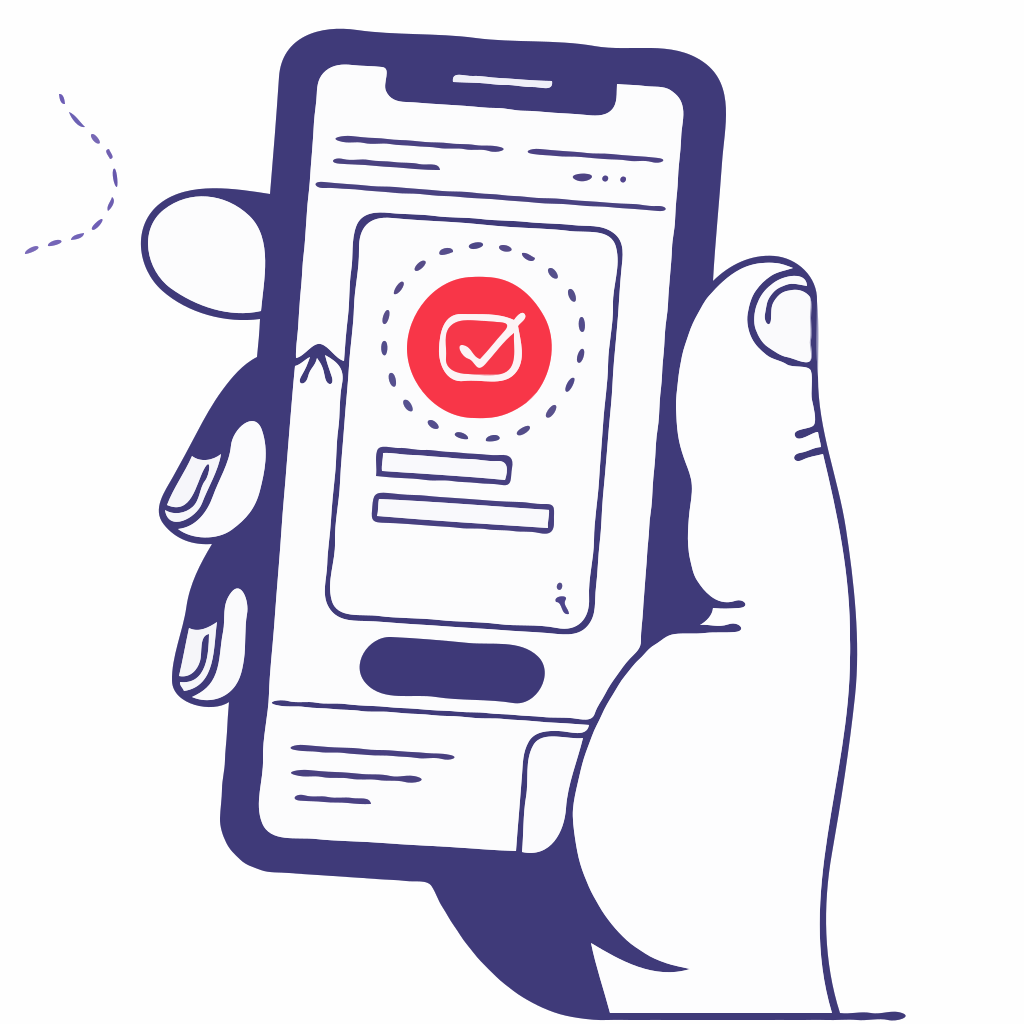
Start chatting
Save +44 7731 454310 as a contact and send VBot a message, a photo or a voice note. It replies in the same chat.

What you can send
VBot works inside the chat app you already use. Send it a message, a photo or a voice note and it replies in the same chat.
Questions and links
Ask anything. VBot can search the web and summarize a page or a YouTube video from its link.
Photos and voice notes
Send a photo to remove its background, restyle it or make an ID photo. Send a voice note instead of typing.
Spending and reminders
Send a photo of a receipt to record what you spent. Ask VBot to remind you of something every day.
Questions
Choose your plan
Pick the plan that fits how often you use VBot
5 credits daily
- 10 credits start
- 5 credits daily
- Basic AI responses
80 credits each month
- 80 credits
- Advanced AI responses
- Priority support
- Add more credits to your account
- Pay as you go
- No subscription required